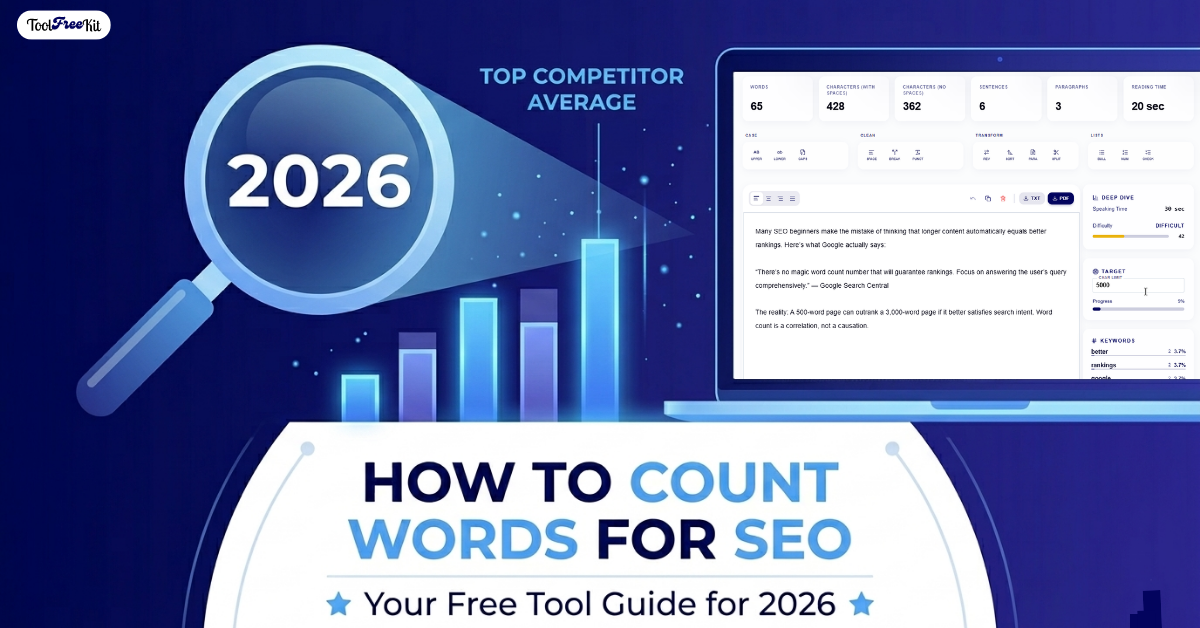
How to Count Words for SEO: Free Tool Guide (2026)
When you’re writing content for the web, every single word counts. But if you’ve ever asked a room of digital marketers about the “perfect SEO word count,” you’ll likely get a dozen different answers. Some swear by massive 3,000-word ultimate guides, while others say short and sweet is the way to go.
The truth? Google doesn’t rank your content based on a strict numbers game. However, word length is heavily tied to search intent, topical depth, and user engagement.
If you want your content to rank, you need to know exactly how long your text is, how many words your competitors are writing, and how to analyze your content quickly.
👉 Ready to optimize? Paste your content into our free Word Counter Kit and take the guesswork out of your digital publishing workflow.
Why Word Count Matters for SEO
Before diving into how to track your text length, let’s clear up a common myth: Word count is not a direct ranking factor. Writing a long article won’t automatically push you to the top of Google Search.
However, content length directly correlates with SEO success for three major reasons:
1. Topical Authority
Search engines want to provide searchers with the most comprehensive answer possible. Thoroughly covering a topic naturally requires a higher word count, helping you build topical depth and establish authority in your niche.
2. Keyword Variations
Longer text allows you to naturally include secondary keywords, long-tail variations, and semantic phrases without making your content look forced or spammy. This helps search engines understand the full context of your content.
3. User Engagement Metrics
Highly detailed, valuable content keeps readers on your page longer. This increases your average session duration and reduces bounce rate, signaling to Google that your page provides excellent value.
The Myth: Word Count Is a Direct Ranking Factor
Many SEO beginners make the mistake of thinking that longer content automatically equals better rankings. Here’s what Google actually says:
“There’s no magic word count number that will guarantee rankings. Focus on answering the user’s query comprehensively.” — Google Search Central
The reality: A 500-word page can outrank a 3,000-word page if it better satisfies search intent. Word count is a correlation, not a causation.
How to Determine Your Ideal SEO Word Count
Instead of guessing a random number, let the search engine results page (SERP) guide you. The ideal length for your specific keyword is already hidden on page one of Google.
Step 1: Search Your Target Keyword
Type your main query into Google. For example, “SEO word count” or “how to write blog posts.”
Step 2: Open the Top 3 to 5 Results
Ignore the sponsored ads and look at the top-ranking organic pages. These are your competitors.
Step 3: Analyze Their Length
Copy their text into a character counter tool to see their average length. Our Word Counter Kit makes this instant—just paste and see live metrics.
Step 4: Set Your Target
If the top three results average around 1,500 words, targeting a similar length while offering better, more up-to-date insights is a solid baseline for your own content.
👉 Quick Check: Analyze competitor word counts instantly with our free tool
Step-by-Step: Count Words Using Our Free Tool
While traditional word processors like Microsoft Word or Google Docs have built-in counters, they aren’t optimized for digital publishing. They don’t give you real-time data on characters, spaces, or formatting quirks that can impact your content management system (CMS).
Using a dedicated web-based utility simplifies your writing workflow. Here is the easiest way to audit your content length in seconds:
Step 1: Copy Your Draft
Once you finish writing your content draft, copy the entire block of text (Ctrl+C or Cmd+C).
Step 2: Paste Into a Specialized Online Counter
Open our free Word Counter Kit right here on ToolFreeKit
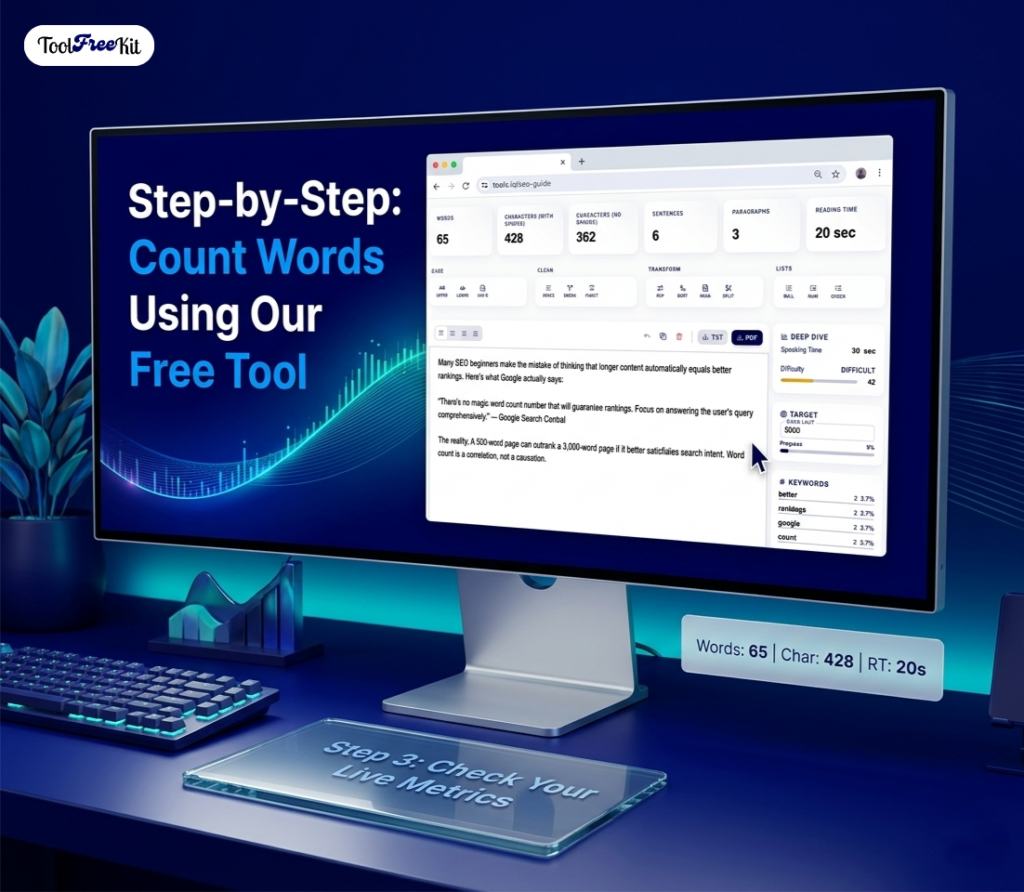
Step 3: Check Your Live Metrics
An optimized tool will immediately calculate your:
- Total word count
- Total character count (with and without spaces)
- Paragraph count
- Sentence count
- Estimated reading time
No “submit” button required. Everything processes instantly in your browser.
Step 4: Analyze Keyword Density (Optional)
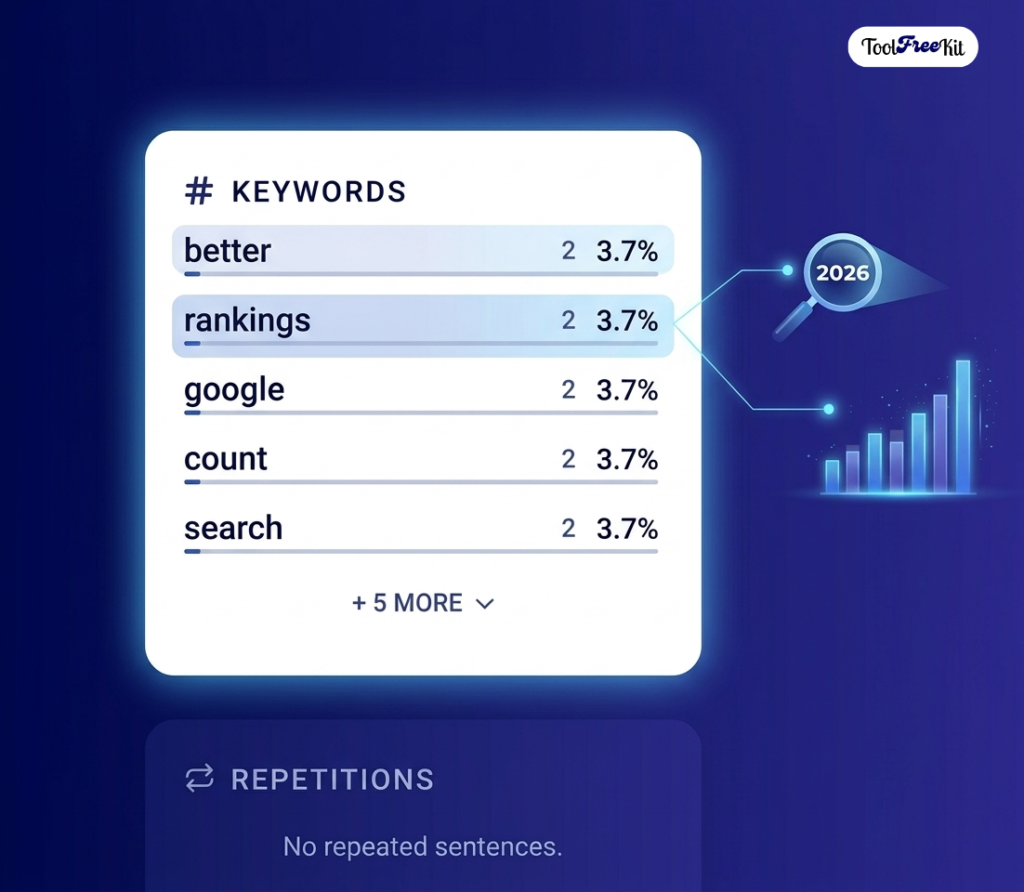
Advanced users can also check if your primary keyword appears at optimal frequency (typically 1-2% of total words).
Best Practices for Optimizing Content Length
Counting your words is just the first step. To ensure your text performs well in search engines, keep these formatting hacks in mind:
✅ Prioritize Quality Over Quantity
Never add fluff or repetitive sentences just to hit a specific numeric goal. If a user lands on your page and reads meaningless text, they will quickly bounce back to the search results.
✅ Optimize Meta Tags Carefully
Word counts aren’t just for your main body copy. Your SEO title tag should stay under 60 characters, and your meta description should stay under 160 characters to ensure they don’t get cut off in search snippets.
✅ Format with Clear Headings
Break up long stretches of text using descriptive H2 and H3 tags. This makes your long-form articles skimmable for users and highly readable for search engine crawlers.
✅ Add Visual Elements
Include images, tables, and bullet points every 300-400 words. This improves readability and keeps users engaged longer.
✅ Write for Scanners, Not Just Readers
79% of users scan rather than read word-for-word. Use:
- Short paragraphs (2-3 sentences max)
- Bold key phrases
- Numbered and bulleted lists
- Clear, descriptive subheadings
Word Count Benchmarks by Content Type
Not all content should be the same length. Here’s what works in 2026:
| Content Type | Recommended Word Count | Purpose |
|---|---|---|
| Blog Post | 1,200–2,000 words | Drive organic traffic |
| How-To Guide | 1,500–2,500 words | Answer detailed queries |
| Product Page | 300–600 words | Drive conversions |
| Landing Page | 500–1,000 words | Capture leads |
| Pillar Page | 3,000–5,000+ words | Establish topical authority |
| Meta Title | 50–60 characters | Search snippet display |
| Meta Description | 150–160 characters | Search snippet display |
Source: Industry benchmarks from SEO studies in 2025-2026
👉 Check your content against these benchmarks: Use the Word Counter Kit now
Common Mistakes to Avoid
❌ Writing for Google, Not Humans
Google’s algorithms now prioritize user experience. If content feels robotic or stuffed with keywords, it will underperform.
❌ Ignoring Mobile Readability
58% of searches happen on mobile. Long paragraphs without breaks frustrate mobile users and increase bounce rates.
❌ Not Updating Old Content
A 2,000-word post from 2022 might be outdated. Regularly refresh content with new data, examples, and current year references.
❌ Copying Competitor Word Count Exactly
Use competitor length as a baseline, not a target. Always aim to provide more value, not just more words.
❌ Skipping the Meta Description
Your meta description is your ad copy in search results. Write it deliberately, including your primary keyword.
The Best Free Tool to Count Words Fast
If you are looking for a completely free digital tool to manage your content writing workflow, look no further than the Word Counter Kit on ToolFreeKit.
Unlike heavy, premium platforms that require accounts or page reloads, our tool processes everything instantly in your browser. This approach ensures:
- ✅ Your text remains completely private (no server storage)
- ✅ Secure processing (everything happens locally)
- ✅ Milliseconds speed (no waiting for submit buttons)
- ✅ No signup required (start using immediately)
- ✅ 100% free forever (no hidden fees or premium tiers)
Key Features
| Feature | Benefit |
|---|---|
| Real-time counting | See metrics as you type |
| Character count (with/without spaces) | Perfect for meta tags |
| Reading time estimate | Set user expectations |
| Paragraph & sentence count | Improve readability |
| Mobile-friendly | Use on any device |
👉 Start optimizing now: Use our free Word Counter Kit to analyze your text and simplify your content creation process.
FAQ: Word Count for SEO (2026)
There’s no single ideal number. For blog posts, aim for 1,200–2,000 words. For pillar content, 3,000+ words. Check your top competitors’ average length for your specific keyword.
Not directly. Word count correlates with rankings because longer content tends to cover topics more comprehensively, include more keywords naturally, and keep users engaged longer.
Yes. If your 500-word post fully answers a user’s query better than longer competitors, it can rank. Focus on satisfying search intent, not hitting a word target.
Copy their page content and paste it into a word counter tool. Our free Word Counter Kit processes text instantly without requiring signup.
Absolutely not. Fluff increases bounce rate and hurts rankings. Only add content that provides genuine value to readers.
Aim for 1-2% for your primary keyword. For example, if your article is 1,000 words, use your main keyword 10-20 times naturally. Avoid keyword stuffing.
Refresh comprehensive content every 6-12 months. Update statistics, add new examples, and include the current year in your title.
Yes. Content over 5,000 words without clear structure can overwhelm readers. Use clear headings, tables of contents, and visual breaks for long-form content.
Ready to Optimize Your Content?
Counting words is the foundation of SEO-optimized content. But remember: quality always beats quantity. Use word count as a guide, not a rule.