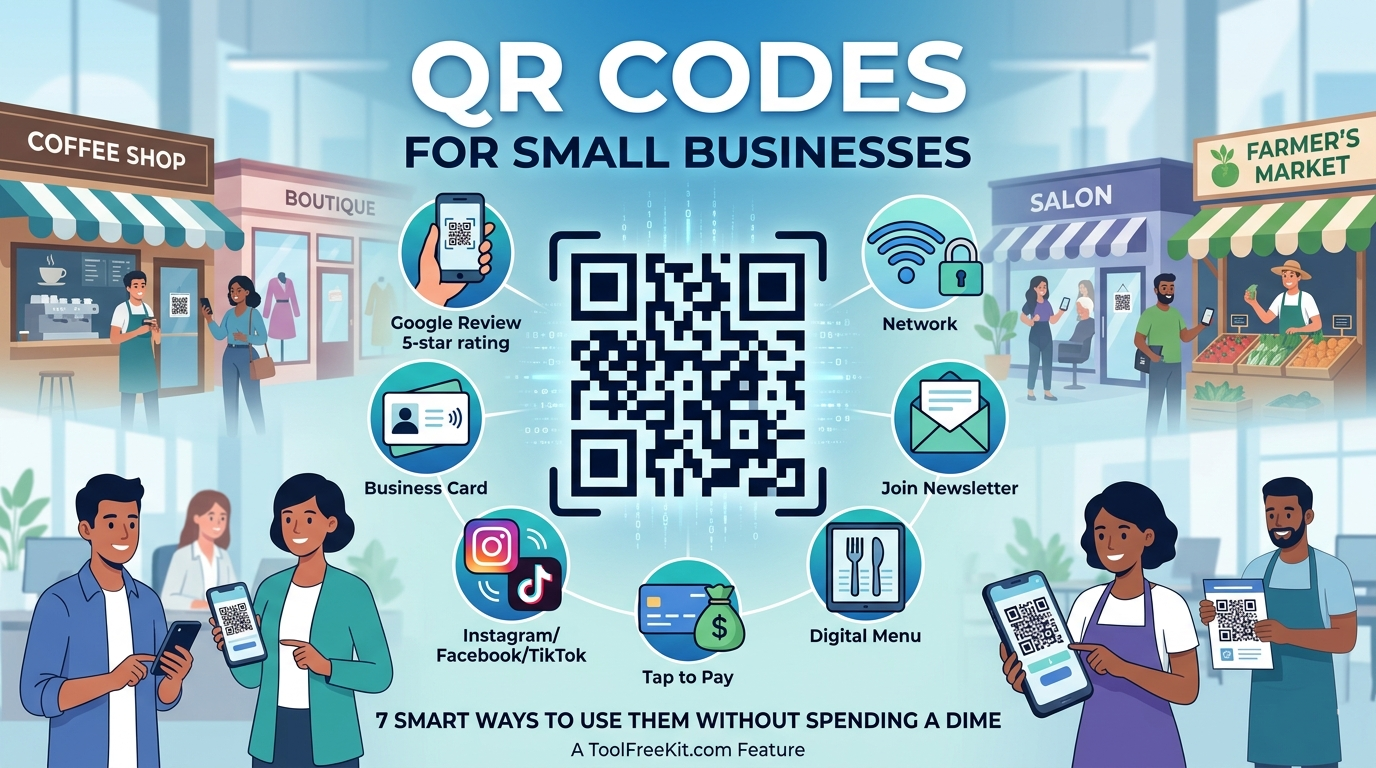
QR Codes for Small Businesses: 7 Smart Ways to Use Them Without Spending a Dime
Think QR codes are only for giant brands with big marketing budgets? Think again.
For small businesses, brick-and-mortar shops, and solo entrepreneurs, QR codes are one of the easiest low-cost marketing tools you can use. They connect your offline customers to your online presence in seconds, whether that means collecting reviews, sharing menus, growing your email list, or making payments easier.
The best part? You do not need a paid platform to get started. With a free QR code generator, you can create useful, trackable codes in just a few clicks.
Here are 7 smart ways to use QR codes to grow your small business without spending a dime.
1. Send Customers Straight to Your Review Page
Positive reviews can make a huge difference for local businesses. But asking customers to search for your business and find the review button usually takes too much effort.
A QR code solves that problem.
Create a review QR code that links directly to your Google review page, Yelp page, or other review platform. Print it on receipts, display it near your checkout counter, or add it to thank-you cards. The easier you make it, the more likely customers are to leave feedback.
Why it works: It removes friction and makes the review process instant.
2. Share Your Wi-Fi Password Instantly
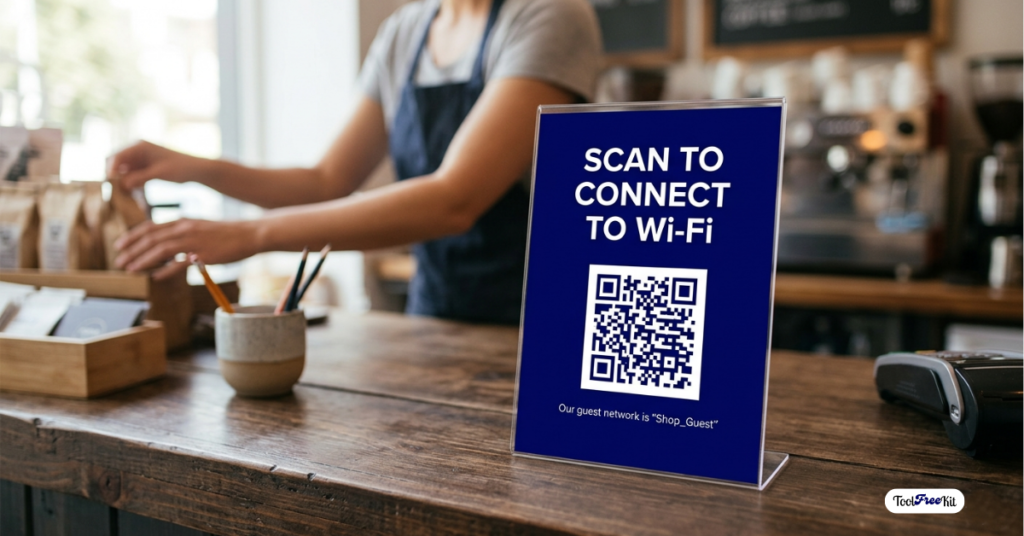
If you run a coffee shop, salon, boutique, or waiting area, customers will often ask for the Wi-Fi password. Repeating it all day wastes time and creates unnecessary hassle.
With a Wi-Fi QR code, connecting becomes completely effortless.
When customers scan it, they can connect to your network without typing anything manually. Make it easy for visitors to connect by using a QR code generator for your Wi‑Fi details. Place the code on a small table sign, wall frame, or counter display so it is easy to spot.
Why it works: It creates a smoother customer experience and saves staff time.
3. Build Your Email List at Checkout
An email list represents one of the most powerful and valuable tools your business can own. Unlike social media followers, it is something you control directly.
You can use a QR code at your counter or checkout area to send customers to your newsletter signup page. Offer something simple in return, such as a discount, early access, or a special offer for joining your list.
For example:
Turn your signup link into a scannable QR code and invite customers to join your email list in seconds.
Why it works: It captures people when they are already engaged with your business.
4. Create a Digital Menu or Service Guide
Hard copies of your menus or service lists are easily ruined and expensive to modify whenever your business evolves.
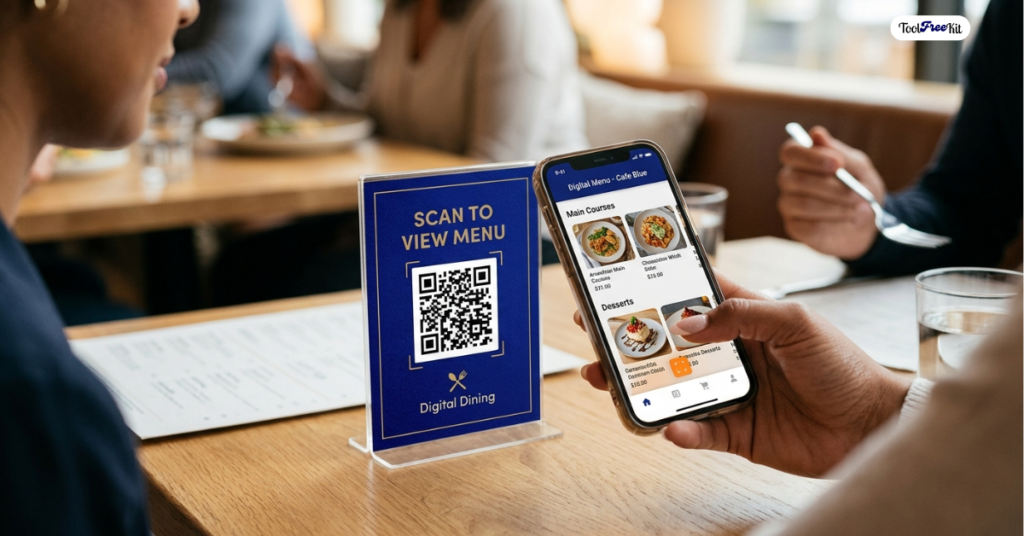
Instead, host your menu, price list, or service guide online and link to it with a QR code. This works well for restaurants, food trucks, salons, repair shops, spas, and service businesses.
Convert your menu or service page into a custom QR code and keep your information easy to update anytime.
Why it works: It saves printing costs and makes updates easier.
5. Make Payments Easier
If you sell at markets, events, or pop-ups, a QR code can make getting paid faster and simpler.
You can link the QR code to a payment page, checkout link, or wallet-friendly payment option offered by your payment provider. Then display it on a table sign, flyer, or even a badge so customers can scan and pay quickly.
Create a payment QR code and let customers scan and pay with less friction.
Why it works: It reduces payment friction and speeds up transactions.
6. Grow Your Social Media Following
A lot of businesses lose potential followers because people forget to search for their account later.
A QR code makes it easier to connect social media with real-world traffic. You can link it to your Instagram profile, Facebook page, TikTok account, or a landing page that lists all your social channels.
Generate a link QR code to make it easier for customers to follow you online. Put it on shopping bags, packaging, posters, business cards, or storefront windows.
Why it works: It turns offline attention into online engagement.
7. Upgrade Your Business Cards
Traditional business cards often run out of space fast. If you try to fit your phone number, email, website, address, and social links onto one card, the design can get messy.
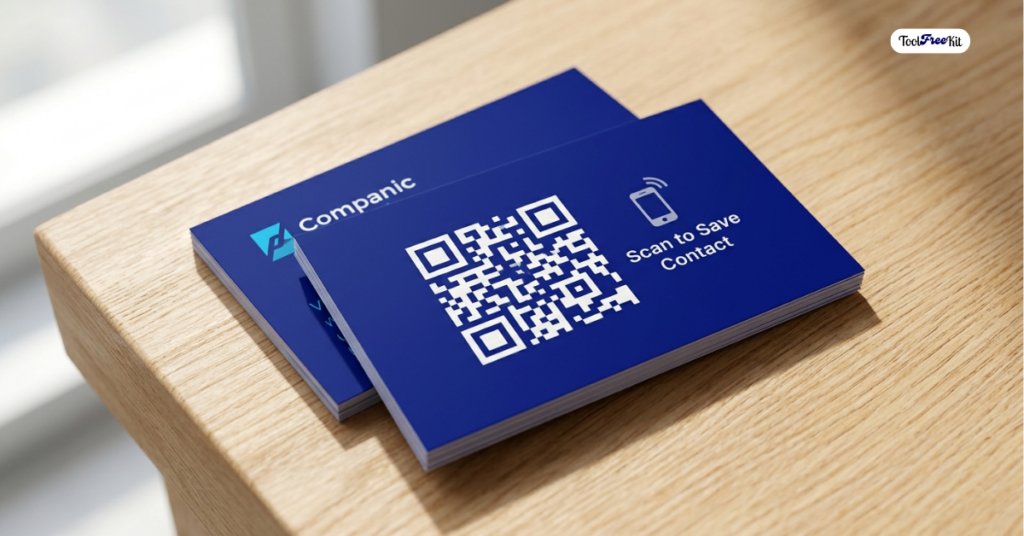
A better option is to keep the front clean and add a QR code on the back. You can link it to your portfolio, LinkedIn profile, website, or digital contact card.
Add a contact QR code to your card and give people a quick way to save your details without typing everything manually.
Why it works: It makes your card look more modern and useful.
Best Practices for Using QR Codes
To ensure the best possible outcome, consider these essential tips:
- Make sure the QR code links to a mobile-friendly page.
- Use a short call to action near the code, such as “Scan to review” or “Scan to join.”
- Place the code where customers can easily see and scan it.
- Test the code before printing anything.
- Use a clean design with enough contrast for easy scanning.
A QR code only works well when the action behind it is simple and useful.
Ready to Create Your First QR Code?
You do not need a developer or a paid subscription to start using QR codes in your business.
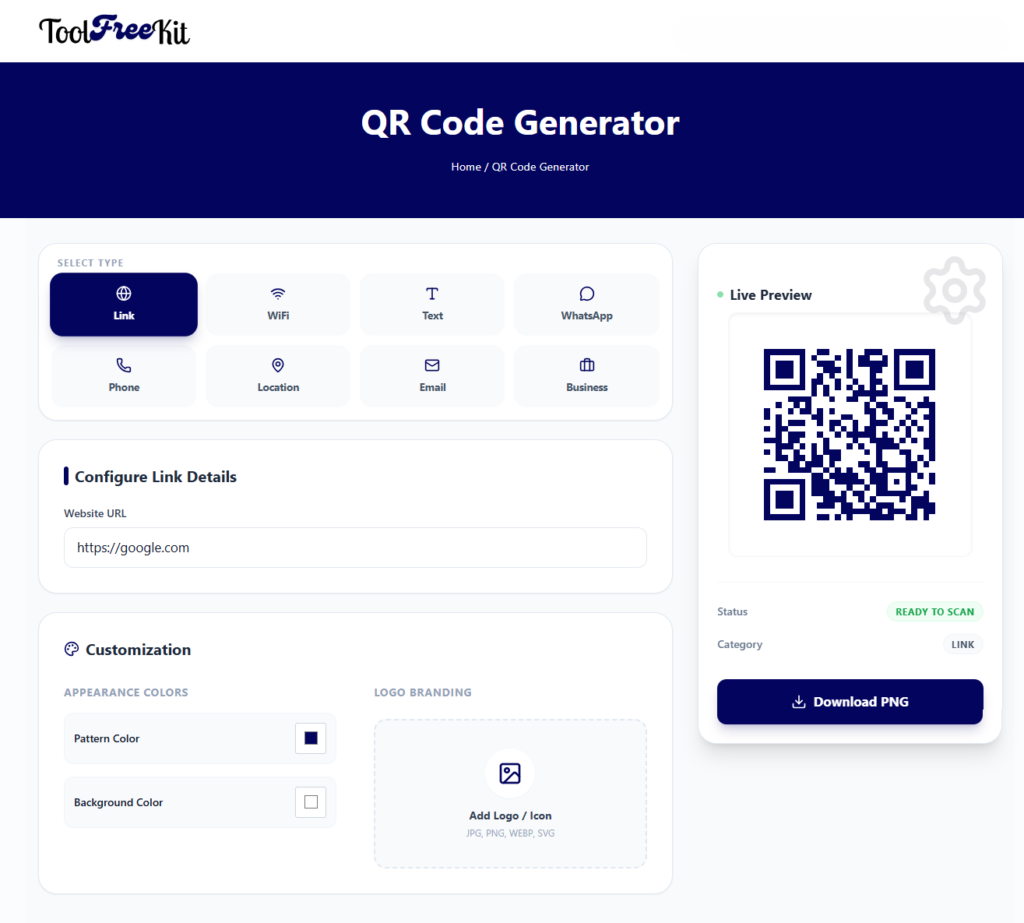
You can create clean, high-quality QR codes in seconds with our free tool.
Try it now: Free QR Code Generator at ToolFreeKit
Paste your URL, contact information, Wi-Fi details, or payment link, then generate your code and download it instantly.
Frequently Asked Questions
Yes. QR codes are a simple, low-cost way to connect offline customers with online actions like reviews, signups, menus, and payments.
No. You can create QR codes for free using an online generator.
It depends on your goal. Common options include review pages, websites, menus, social profiles, email forms, and payment links.
Good places include receipts, signs, business cards, packaging, table tents, windows, and checkout counters.